
Product Overview
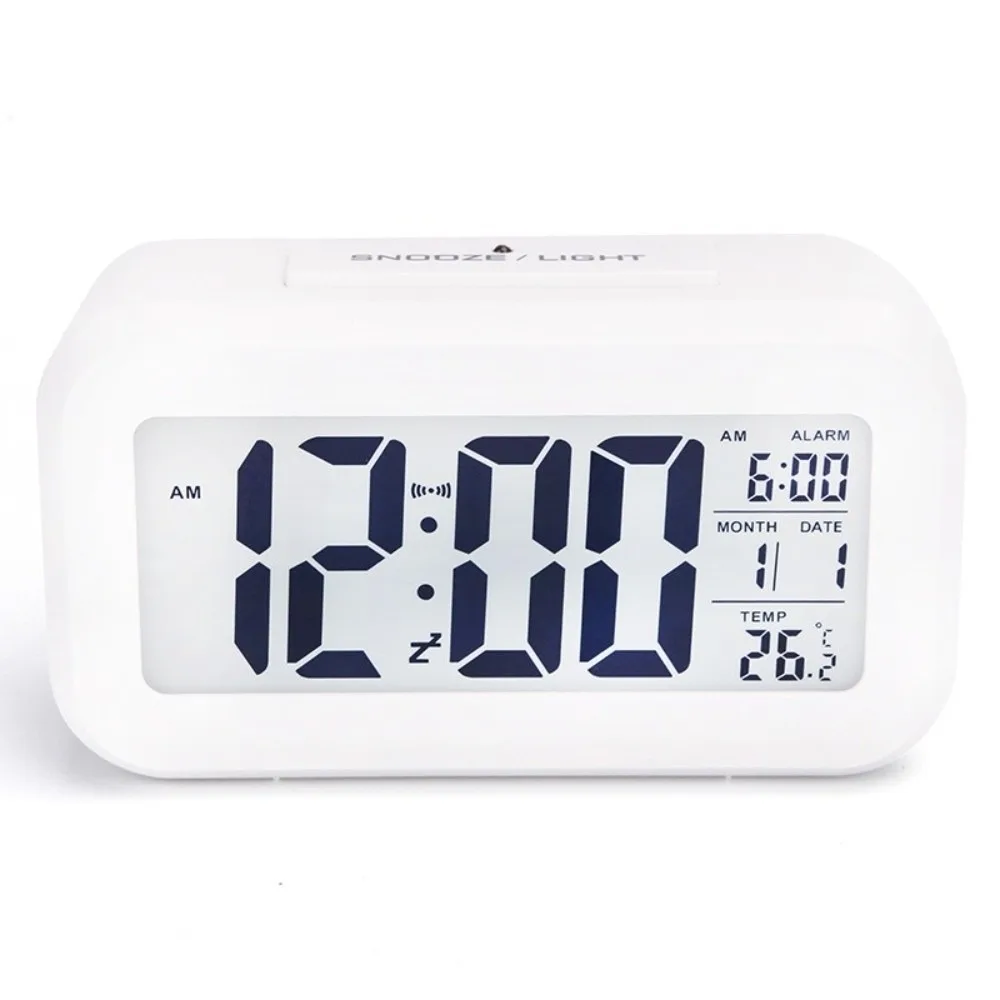
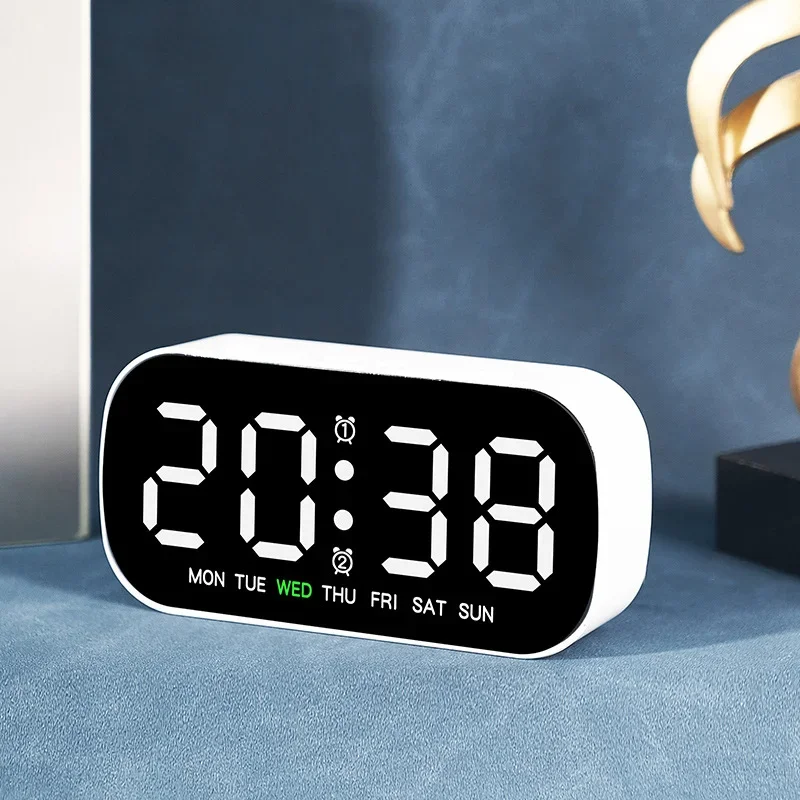
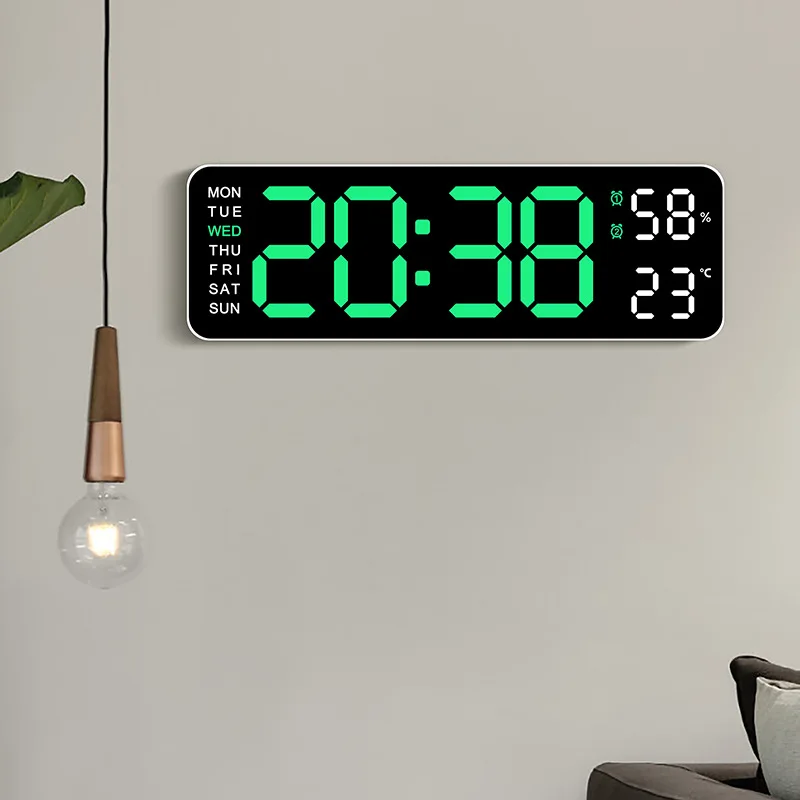
Bring modern elegance and functional simplicity to your bedside, desk, or living area with our wooden digital LED alarm clock. Crafted with a sleek, textured wood finish, this electronic desktop clock displays vibrant LED digits right through the wooden face, creating a clean, futuristic look that elevates any room decor.
Designed for smart everyday use, the clock features a built-in voice control sensor. In power-saving mode, the display remains quiet until activated by a simple hand clap or light tap on your nightstand. With versatile dual-power capability, comprehensive date and temperature tracking, and customizable alarm options, this desktop clock provides the perfect balance of utility and aesthetic charm.
Versatile Applications Across Your Home
Bedside Nightstand: Soft LED display and smart sound control prevent night glare while keeping alarms within easy reach.
Office & Workspace Desk: Clear time and room temperature monitoring in a compact, professional wooden housing.
Living Room & Mantelpiece: Modern geometric accent piece that blends naturally with wooden furniture and contemporary interiors.
Travel & Wireless Setup: Battery-powered option allows you to take the clock anywhere without worrying about power cords.
Product Specifications
Product Type: Wooden Digital LED Electronic Desktop Clock
Display Type: LED Digital Display (Time, Date, Temperature)
Control Modes: Continuous Display / Sound Control Activation (Voice Control >60 dB)
Power Sources: USB Cable (Included) or 3 x AAA Batteries (Not Included)
Time Format: 12-Hour / 24-Hour Switchable
Temperature Unit: Celsius (°C) / Fahrenheit (°F) Switchable
Construction: Quality MDF Wood Frame with Integrated LED Module
Frequently Asked Questions (FAQ)
Q: How does the voice control feature work on this clock?
A: When voice control mode is activated, the LED screen automatically turns off after a few seconds of silence to conserve power. Making a sound near the clock (such as clapping your hands or tapping the desk) instantly wakes the display.
Q: Can I keep the LED display on continuously without it turning off?
A: Yes, when powered via the USB cable, you can turn off the sound-control energy-saving mode so the LED time display stays lit continuously.
Q: Does the clock retain its settings if battery power runs out or the USB is unplugged?
A: Keeping AAA batteries installed alongside USB power serves as a backup to maintain time and alarm settings during unexpected power disconnections.
Q: How do I change the temperature reading between Celsius and Fahrenheit?
A: You can toggle between °C and °F modes directly using the setting buttons on the back panel of the clock.